Why Are Some Songs Missing After the Transfer?
One of the most common questions after transferring a music library is why some tracks don't appear in Qobuz.
In most cases, there's nothing wrong with the transfer itself.
Soundiiz doesn't copy music files between streaming services. Instead, it searches the destination service for the closest matching version of each track. If a song isn't available in the Qobuz catalogue or its metadata differs significantly, it may be marked as Not Found.
The good news is that a "Not Found" result doesn't always mean the song is unavailable on Qobuz. Sometimes a different album edition, featured artist, remastered release, or alternative spelling prevents an automatic match.
How to Improve Match Accuracy
If you notice that some songs weren't transferred, there are a few things you can try.
First, search for the missing track directly in Qobuz. Many users discover that the song is available but under a slightly different title or album version.
You can also review the transfer results in Soundiiz and manually replace unmatched tracks where necessary. This usually only affects a small percentage of your library.
My Playlists Don't Appear in the Qobuz App
Sometimes the transfer completes successfully, but your playlists don't immediately appear in the Qobuz mobile or desktop application.
According to Soundiiz, this is usually caused by the application's cache rather than a failed transfer.
Before repeating the transfer, open the Qobuz Web Player and check whether your playlists are already there.
If they are visible on the web player but not inside the app, try:
• Restarting the application.
• Signing out and signing back in.
• Clearing the application's cache.
• Reinstalling the Qobuz app if necessary.
These steps usually force the application to refresh your library.
Can You Keep Playlists Synchronized?
Yes.
If you continue using multiple streaming services, Soundiiz also offers a synchronization feature that can automatically keep selected playlists updated between supported platforms.
Depending on your subscription, you can configure playlists to sync on a recurring schedule instead of transferring them manually each time.
Frequently Asked Questions
Can I transfer music from Apple Music to Qobuz?
Yes. Apple Music is one of the officially supported platforms available through Soundiiz.
Can I move my Spotify playlists?
Yes. Spotify playlists, liked songs, albums, and artists can all be transferred to Qobuz using Soundiiz.
Will every song be transferred?
Not always.
Streaming services have different music catalogues, licensing agreements, and metadata. Because of this, a small number of tracks may require manual matching after the transfer.
Does Soundiiz delete my playlists from the original service?
No.
The transfer process copies your music library to the destination service. Your original playlists remain on the source platform unless you remove them yourself.
Save on Qobuz Studio with Subli
If you're ready to experience Hi-Res audio, there's no need to pay the full monthly subscription price.
With Subli, you can get Qobuz Studio for just €4.99, making premium music streaming even more affordable.
Get started today:
https://subli.one/product/qobuz-studio
You'll enjoy:
• Hi-Res FLAC streaming.
• Offline listening.
• Access to more than 100 million tracks.
• A quick activation process.
Final Thoughts
Moving your music library to Qobuz is much easier than many people expect.
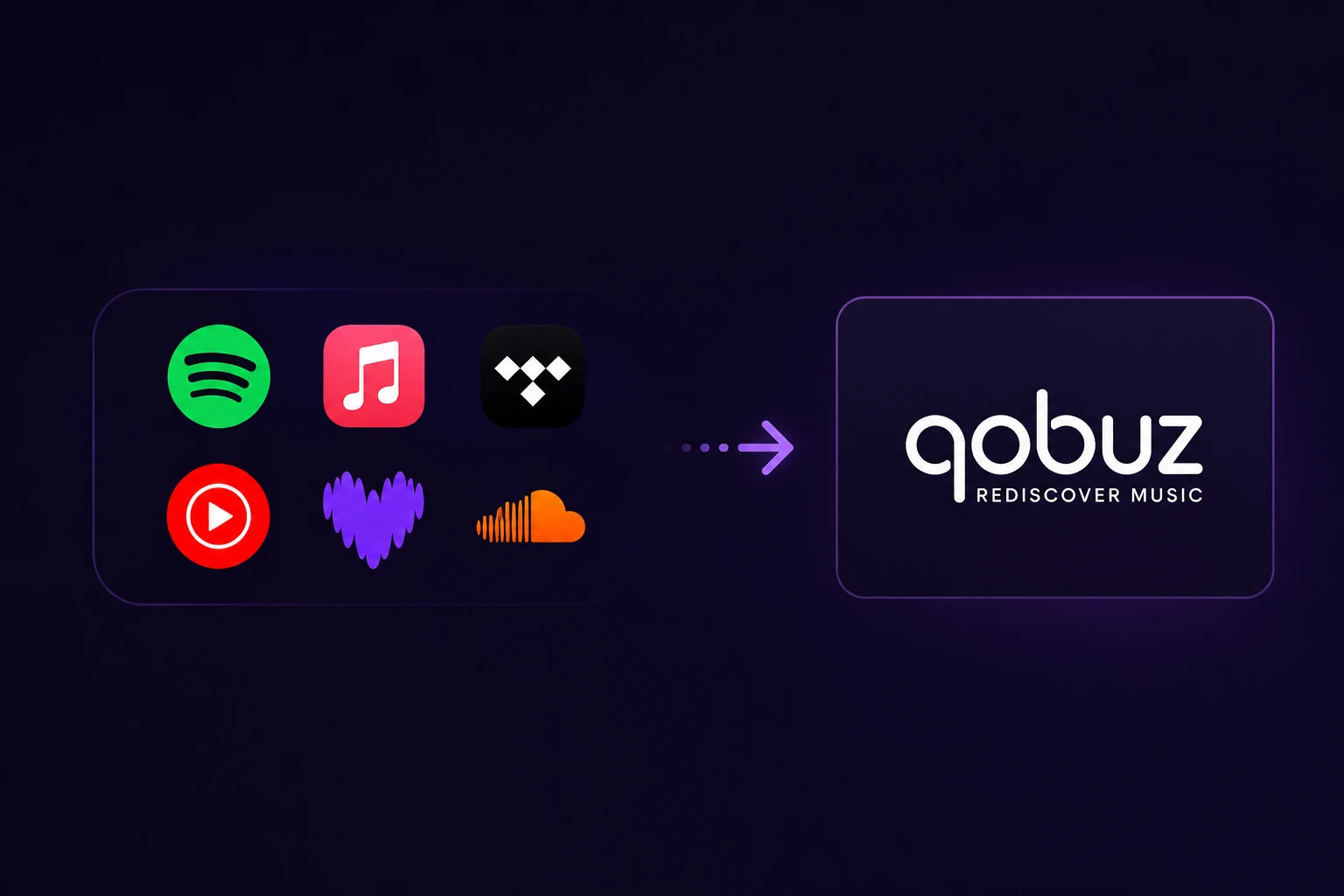
With Soundiiz, you can transfer playlists, albums, artists, and favorite tracks from Spotify, Apple Music, TIDAL, YouTube Music, Deezer, Amazon Music, and many other supported services without rebuilding your collection manually.
If you're looking for better sound quality and want to make the switch without losing your music, Qobuz and Soundiiz provide one of the simplest migration experiences available.
And if you're looking for the best value, don't forget that you can get Qobuz Studio for just €4.99 at:
https://subli.one/product/qobuz-studio
Enjoy premium Hi-Res music while saving on your subscription.