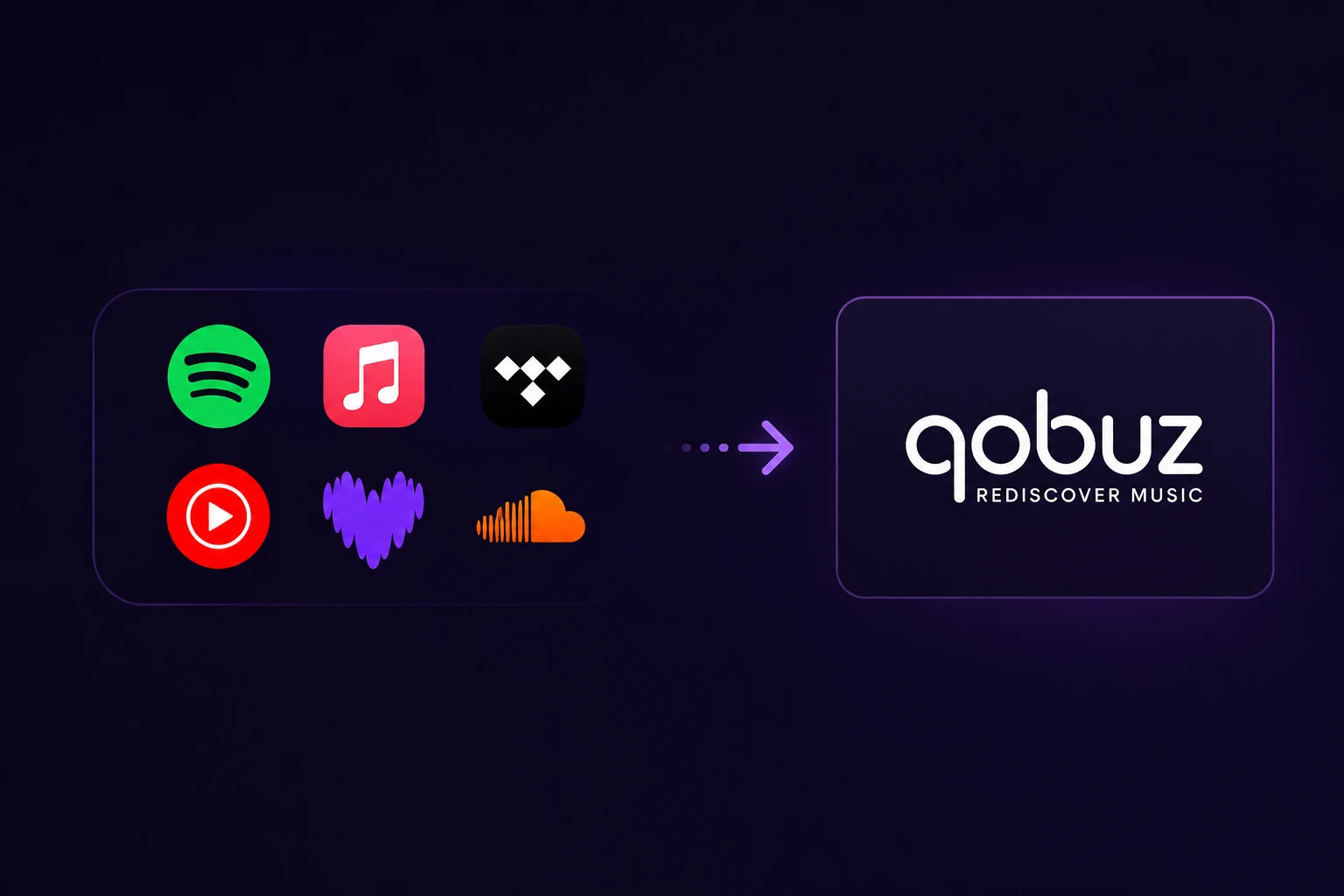
Switching to a new music streaming service doesn't mean leaving your playlists behind.
Whether you're moving from Spotify, Apple Music, TIDAL, YouTube Music, Deezer, Amazon Music, or another supported platform, transferring your music library to Qobuz is easier than ever. Thanks to Qobuz's official partnership with Soundiiz, you can move playlists, favorite tracks, albums, and artists in just a few steps without recreating your entire collection manually.
If you're considering Qobuz because of its excellent sound quality, this guide will show you how to transfer your library quickly and what to expect during the process.
Why Move to Qobuz?
Qobuz has become one of the most popular streaming platforms for listeners who value audio quality.
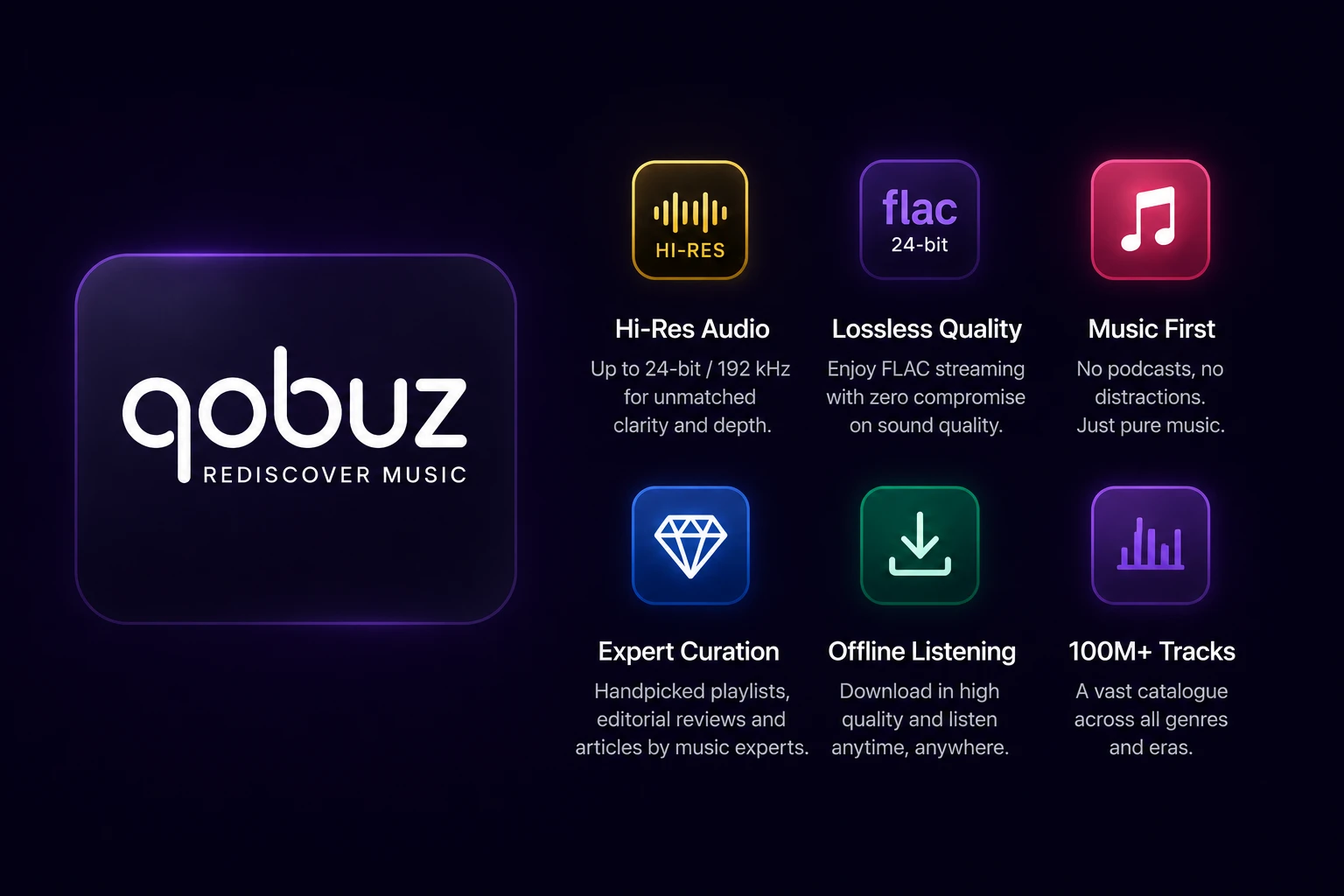
Unlike many streaming services that focus on podcasts and social features, Qobuz is built around music. It offers Lossless FLAC streaming, Hi-Res audio up to 24-bit/192 kHz where available, offline listening, editorial articles, album reviews, and a catalogue with more than 100 million tracks.
For many users, the biggest challenge isn't choosing Qobuz—it's moving years of playlists and saved music.
Fortunately, that's exactly what Soundiiz is designed to solve.
Which Music Services Can You Transfer?
Soundiiz supports more than 40 music services, allowing you to move your collection between most major streaming platforms.
Some of the most popular supported services include:
• Spotify
• Apple Music
• TIDAL
• YouTube Music
• Deezer
• Amazon Music
• SoundCloud
• Napster
• Many more
Because Qobuz officially partners with Soundiiz, the transfer process is simple and reliable. Partner platforms use direct integrations designed specifically for playlist and library migration.
Step 1 – Activate Your Soundiiz Access
Start by visiting:
Enter the voucher code:
HELLOQOBUZ
After activating the voucher, sign in to your Soundiiz account or create one if you don't already have one.
Qobuz provides this partnership so new users can transfer their music collection more easily.
Step 2 – Connect Your Accounts
Once you're logged in, connect:
- Your current music streaming service.
- Your Qobuz account.
Soundiiz needs access to both services so it can match songs, playlists, albums, and artists between their music catalogues.
It's important to remember that Soundiiz does not copy music files. Instead, it matches the content available in the destination catalogue, which is why a small number of songs may occasionally be unavailable after the transfer.
Step 3 – Choose What You Want to Transfer
After connecting both accounts, you can decide exactly what you'd like to move.
Depending on the source service, you can transfer:
• Playlists
• Liked Songs
• Albums
• Artists
• Favorite Tracks
• Music Library
You don't need to transfer everything at once. Many users begin with their favorite playlists before importing the rest of their library.
Step 4 – Start the Transfer
Click Transfer, review your selection, and let Soundiiz handle the rest.
Smaller libraries may finish in just a few minutes, while larger collections can take longer depending on the number of playlists and saved tracks.
When the transfer is complete, your playlists will appear inside your Qobuz account.
If they don't appear immediately in the mobile or desktop app, try refreshing the app, signing out and back in, or checking the Qobuz web player first. Qobuz applications cache library data, so newly transferred content may not appear instantly until the cache refreshes.
Save on Qobuz Studio with Subli
If you're ready to enjoy Hi-Res music, you don't have to pay the full monthly subscription price.
With Subli, you can get Qobuz Studio for just €4.99.
👉 https://subli.one/product/qobuz-studio
It's an affordable way to experience premium Lossless and Hi-Res audio while keeping all the features that make Qobuz one of the best streaming services for music lovers.
In the second part of this guide, we'll cover common transfer problems, how to fix missing songs, frequently asked questions, and tips for getting the best possible results when moving your music library to Qobuz.