Switching to TIDAL doesn’t mean leaving your music behind.
With the official TIDAL integration powered by TuneMyMusic, you can
quickly transfer your playlists, favorite songs, albums, and artists
from most popular music streaming services.
Whether you’re moving from Spotify, Apple Music, YouTube Music, Deezer,
Amazon Music, Qobuz or another platform, the process only takes a few
minutes.
What Can You Transfer?
You can import:
• Playlists • Favorite Songs • Albums • Artists • Individual Tracks
This makes switching to TIDAL simple without rebuilding your entire
music library.
Supported Music Services
Transfer your music from popular platforms, including:
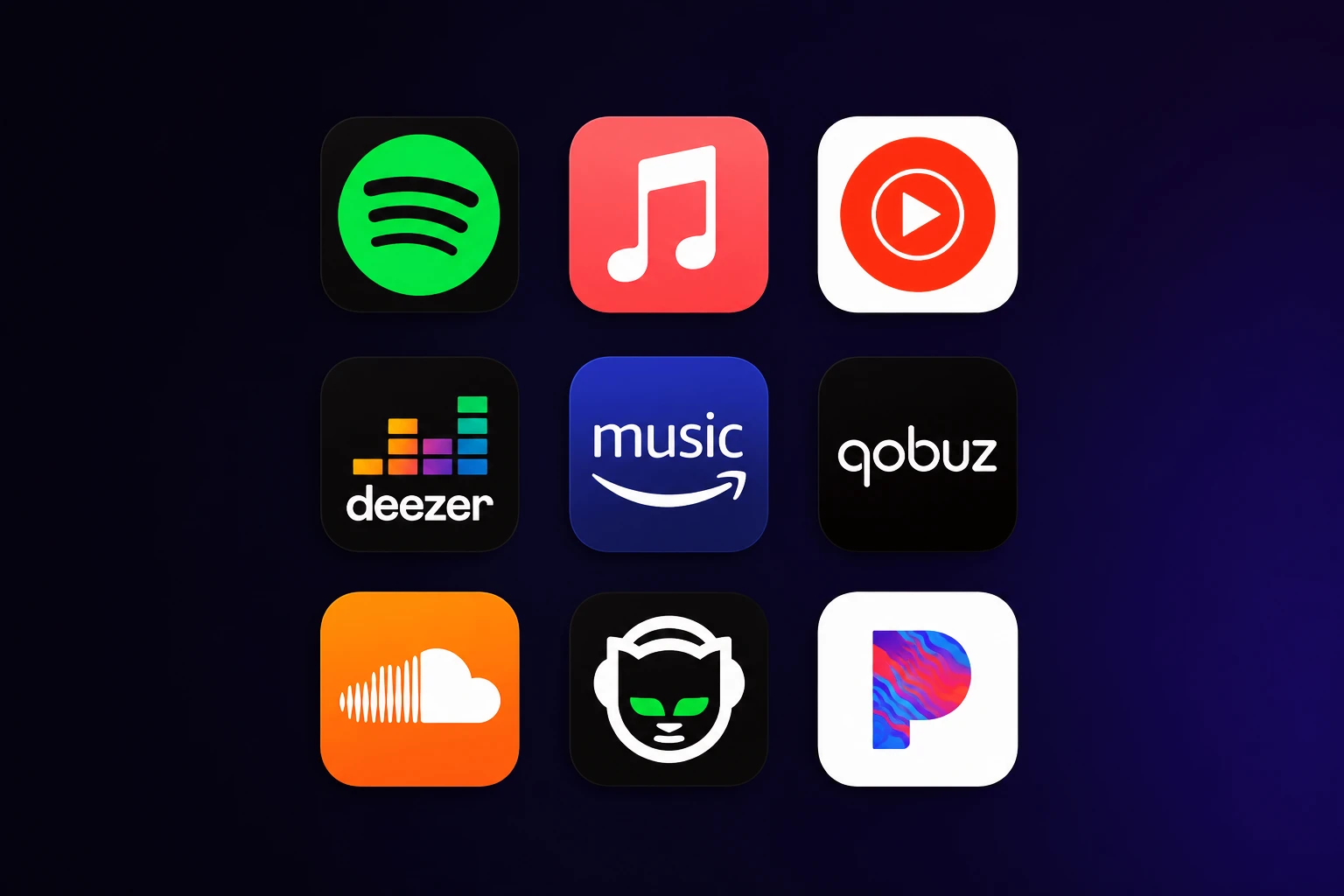
• Spotify • Apple Music • YouTube Music • Deezer • Amazon Music • Qobuz
• SoundCloud • Napster • Pandora • Many more
How to Transfer Music to TIDAL
Step 1
Open the official TIDAL Transfer your music:
https://tidal.com/transfer-music page.
Step 2
Choose your current music streaming service.
Step 3
Sign in and allow TuneMyMusic to access your music library.
Step 4
Choose what you want to transfer:
• Playlists • Favorite Songs • Albums • Artists • Individual Tracks
Step 5
Select TIDAL as your destination.
Step 6
Click Start Transfer and wait for the transfer to complete.
Is TuneMyMusic Safe?
Yes.
TuneMyMusic is the official migration partner recommended by TIDAL for
transferring your music library.
The service only accesses the information required to copy your
playlists and library. If you no longer wish to keep the connection, you
can disconnect TuneMyMusic at any time from your account settings.
Free vs Premium
TuneMyMusic allows you to transfer up to 500 tracks for free.
If your library contains more than 500 songs, you’ll need a TuneMyMusic
Premium subscription to complete the transfer.
Why Switch to TIDAL?
• Lossless FLAC audio • HiRes FLAC streaming • Dolby Atmos support •
Millions of songs • Music videos • Better artist payouts • Available on
desktop, mobile and web
Get TIDAL for Less
Looking for a more affordable way to enjoy TIDAL?
Subli.one offers TIDAL HiRes Audio subscriptions at competitive prices
with fast delivery.
FAQ
Can I transfer Spotify playlists to TIDAL?
Yes. TIDAL supports importing playlists, albums, favorite songs and
artists from Spotify using TuneMyMusic.
Can I transfer Apple Music playlists?
Yes. Apple Music is fully supported.
Will I lose my playlists?
No. Your original playlists remain on your existing streaming service.
Can I transfer more than 500 songs?
Yes. A TuneMyMusic Premium subscription removes the free transfer limit.
Can I disconnect TuneMyMusic later?
Yes. You can revoke TuneMyMusic’s access from your account settings at
any time.
Conclusion
Moving to TIDAL is quick and easy thanks to the official TuneMyMusic
integration. Within minutes you can transfer your playlists, favorite
songs, albums and artists without starting your collection from scratch.
Ready to experience Hi-Res Audio?
Get TIDAL Hi-Res Audio at a lower price with Subli.one and enjoy lossless sound, Dolby Atmos, and millions of tracks. Browse our plans and start listening today.